

Menu
If Volume appear to have taken over control of the screen or if documents and pop-up appear behind Volume so you cannot see or click on them, Volume may be running 'Maximised'.
Symptoms:
After login, your PC background is all Black.
Documents open behind volume and cannot be clicked on.
'Question' / 'Dialog' boxes open behind volume and cannot be clicked, so volume appears to freeze while it waits for you to click.
To solve the problem we need Volume to launch as ‘Normal’.
There are 3 common ways to launch Volume:
1. Desktop Shortcut
2. Taskbar Shortcut
3. Start Menu Icon

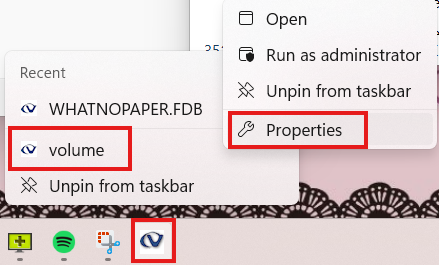
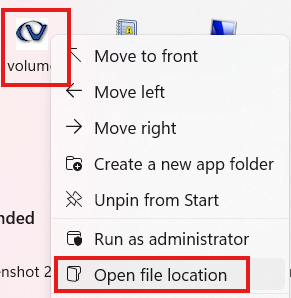
Setting all the shortcuts to Normal should stop Volume opening in Maximised mode so files/messages etc do not get hidden behind volume.

