
Menu
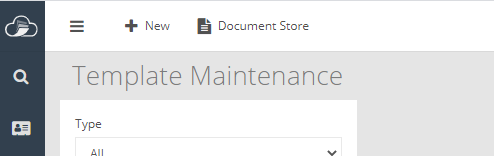
Within Template Maintenance there is now a Document Store icon
enabling the user to upload documents, held external to the software
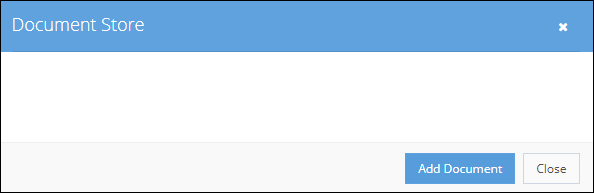
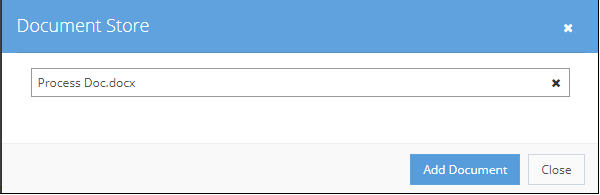
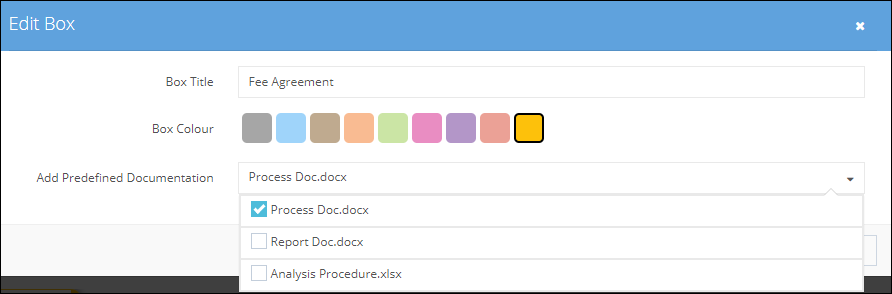
and then include any combination of saved documents within a Template box.
Within Template Maintenance double click on a template box.Select the required documents from the drop-down list and save.
The icon appears indicating that documents are now attached
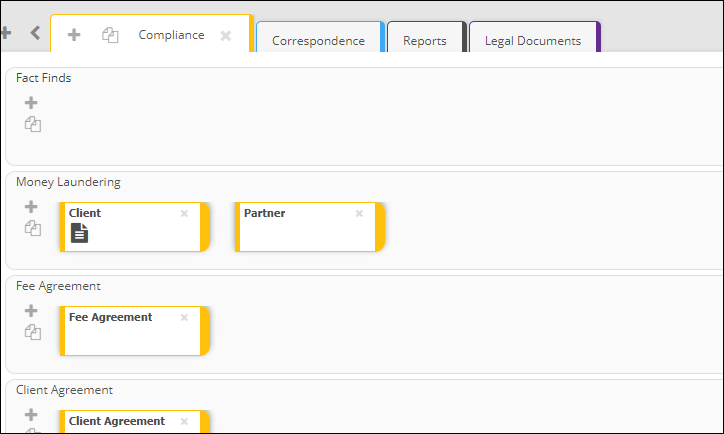
and when applied to a file

All externally held images can be dragged directly into the software either on to a row, in to a box or onto the in-tray of the user.
The editing of an email address is actioned through User Maintenance and as a result disables access if using the old email address.

A new user invitation is generated and sent to the user requiring them to re-register.
The editing of a mobile number is also actioned through User Maintenance.
Within the permissions available for a user there is now a Mailing List option
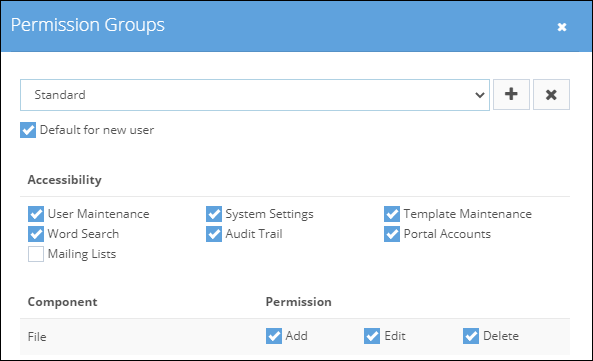
once this has been made available to the user the option appears within File Manager

The exported list will only include those files the user has access to and can be restricted to files within a specific cabinet