
Menu
A request can now be sent to a Portal user to upload, review or sign a document held within the Portal environment. To facilitate this functionality "Enable Portal User Requests " needs to be enabled within "System Settings"

as a result the "Portal Request Manager" option then appears as a user option within the menu.

and within "Permission Groups " the option needs to be turned on for a "Standard User"
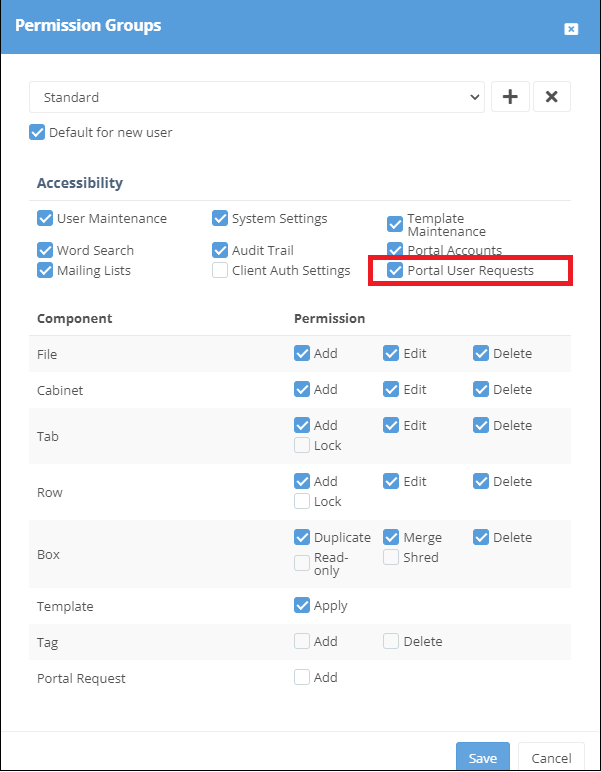
Within the file associated with a Portal user the required request can now be created against a box


Request Document:
1: Basic detail in respect to request.
2: Email address of portal user associated with file
3: Tags can be added (For Tagging see https://staging.watermarktech.co.uk/papercloud-training/)
4: Indicates number of expected documents
5: Indicates expected return dates of documents
6: Additional notes for recipient
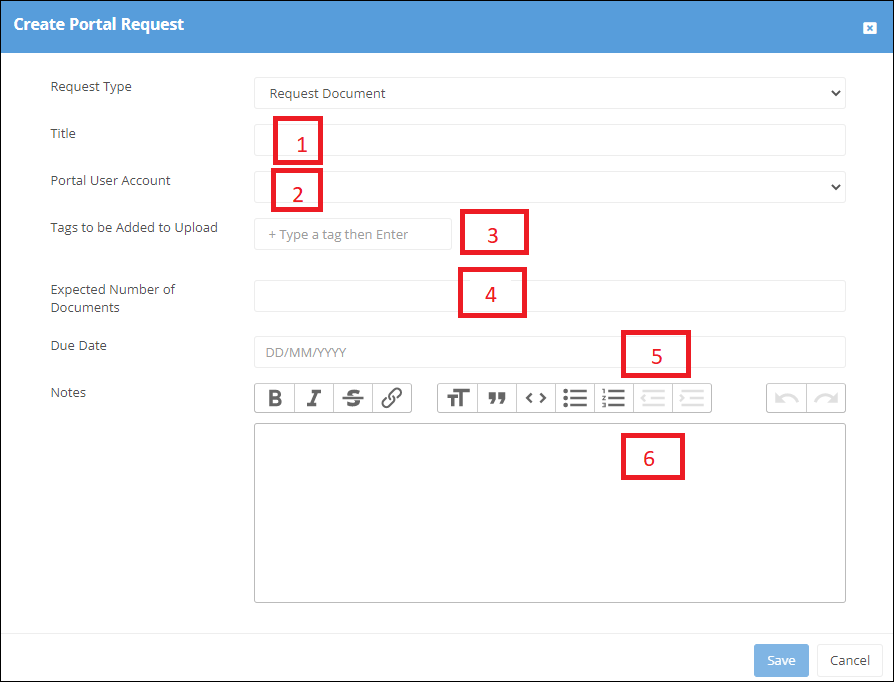
and saved in both locations

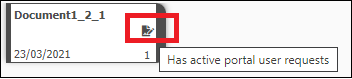
The box then indicating that it has "active portal user requests"
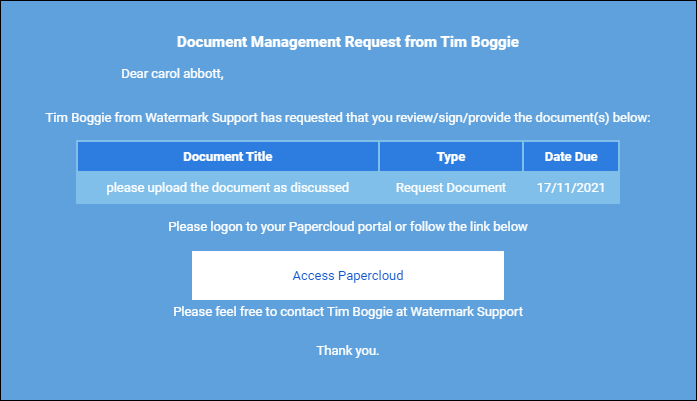
and an email sent to the Portal user
Within the file the Portal user will then see an "Action Requests" tab, with actions required plus any additional notes held within the + tab.
The Portal user can then take the appropriate action and upload the documents

Request Signature:
Follow the same process as above , using the "Request Signature" option.
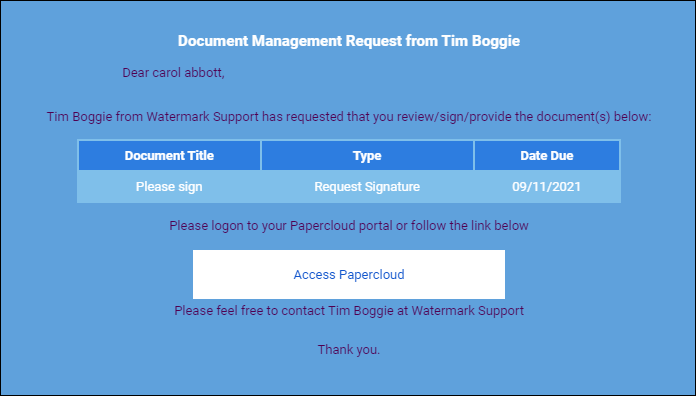

when "signing" the document the Portal user will need to complete the "Two Factor Code" which will be sent to their registered mobile number within Papercloud on request. Once the code has been added the process is completed

As a result the box will now contain both the original document plus a "Signed Summary".zip file
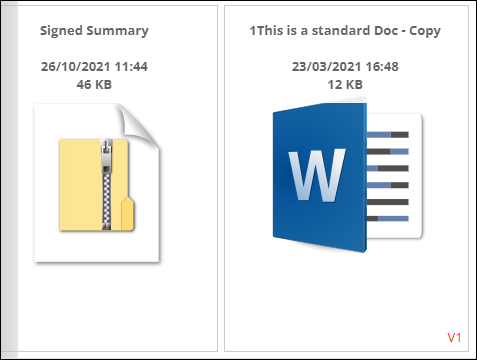
which details the completion certificate and cannot be moved, deleted or amended.

Request Review: Follow the same process as above using the "Request Review" option.
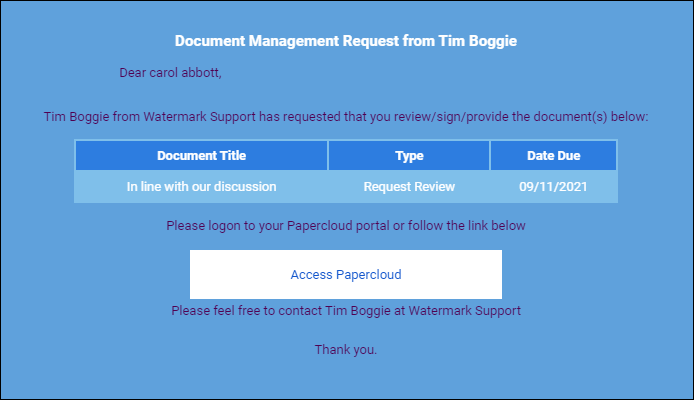

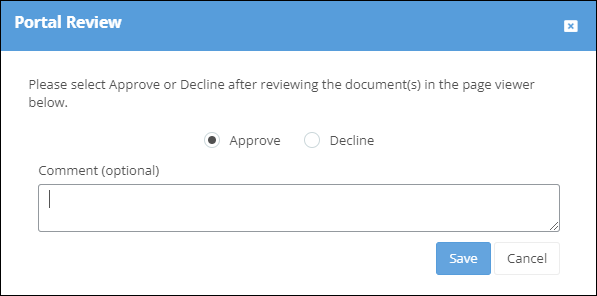
the Portal user can then Approve/Decline and add comment.
The "Portal Request Manager" enables a Papercloud User to review the status of all requests.

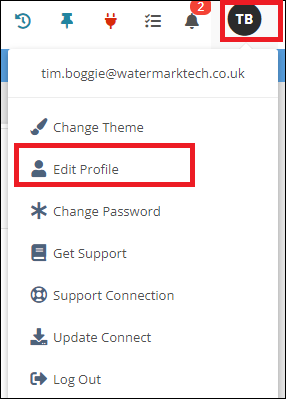
Can be fixed to always display the page viewer in files. The option is found in "Edit Profile" within the User menu

There is now a setting within "System Settings" requiring a new file to be allocated to a Cabinet