Menu
An Access Group can now be copied,
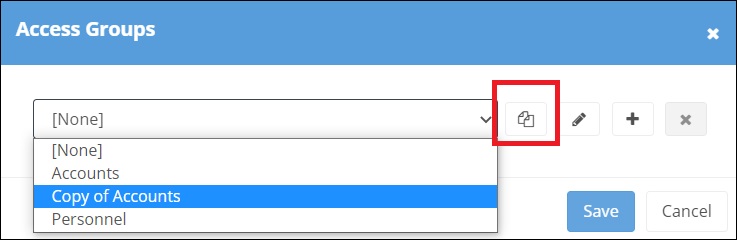
renamed and changed to meet a users requirements.
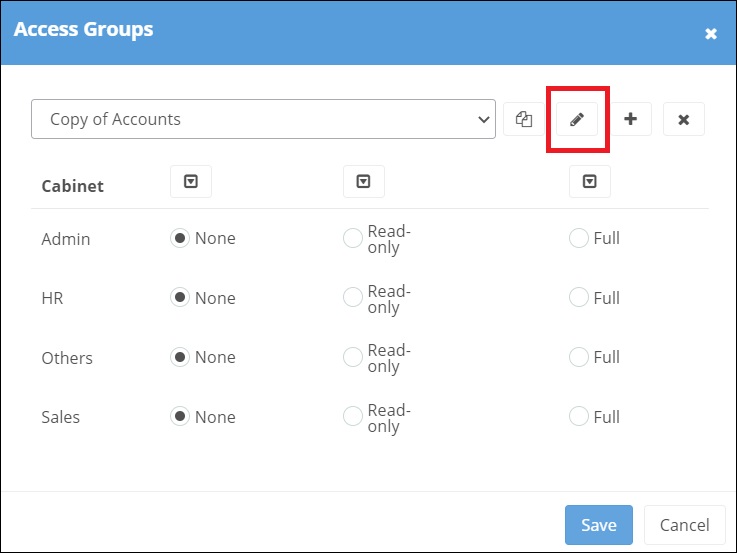
The additional arrows enabling the permission to be selected for all cabinets ,if required
The ability to link multiple files together and is actioned within "System Settings".

Corporate Links : This creates a relationship of one (identified as "Parent") to many (identified as "Child"). The "Parent" having a file type set as "Other"
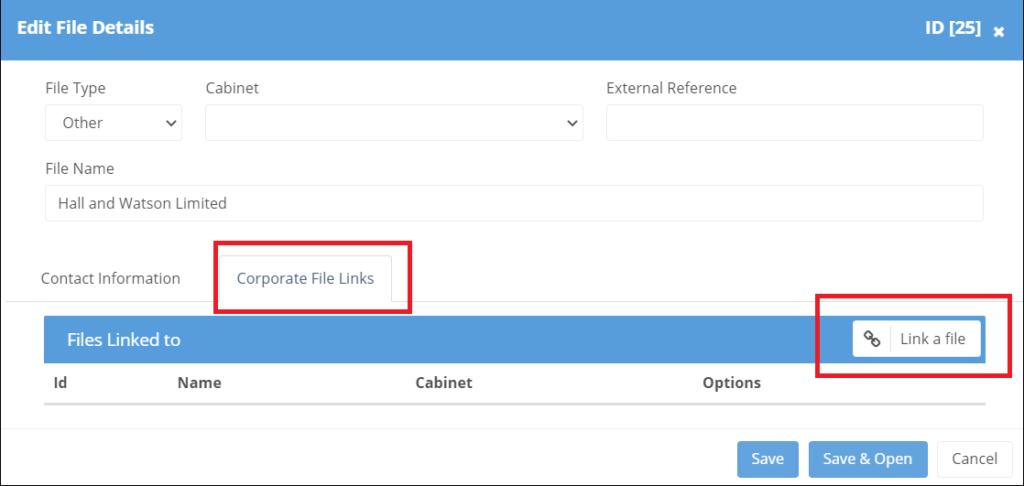
Once the links have been created
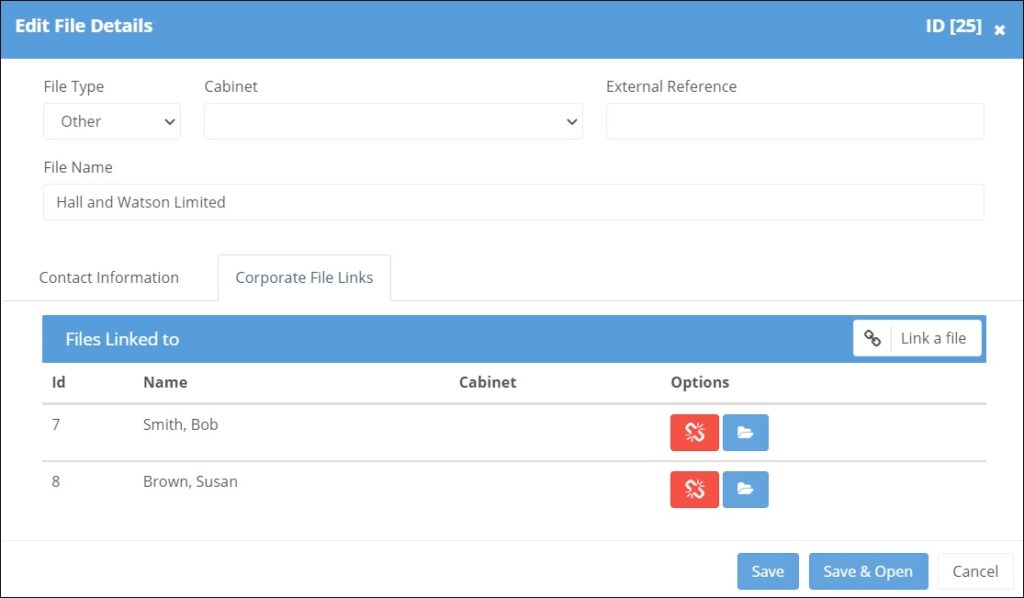
a symbol will then appear within all the related files. The "Parent" file listing all the "Child" files which can be jumped to . The "Child" file listing just showing the "Parent" file.

Child Links: This follows the same process ,with however all linked files shown in the list. This is applicable for those files set up as "Person".
When creating a new user in Papercloud the Two Factor Registration setting within "System Settings" enables a one-off SMS message to be sent to the user for additional log-in validation.
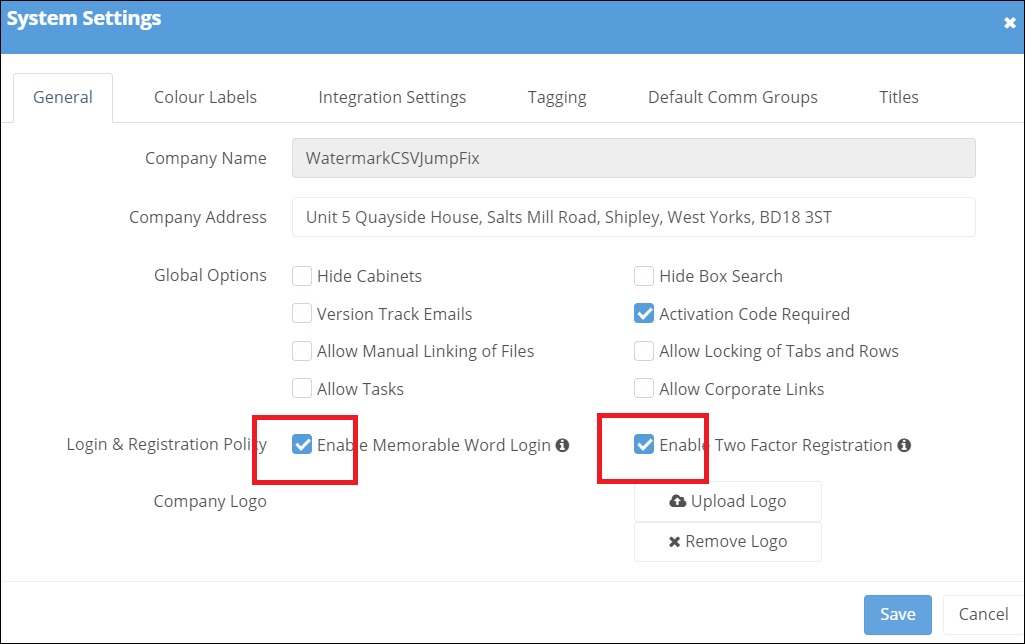
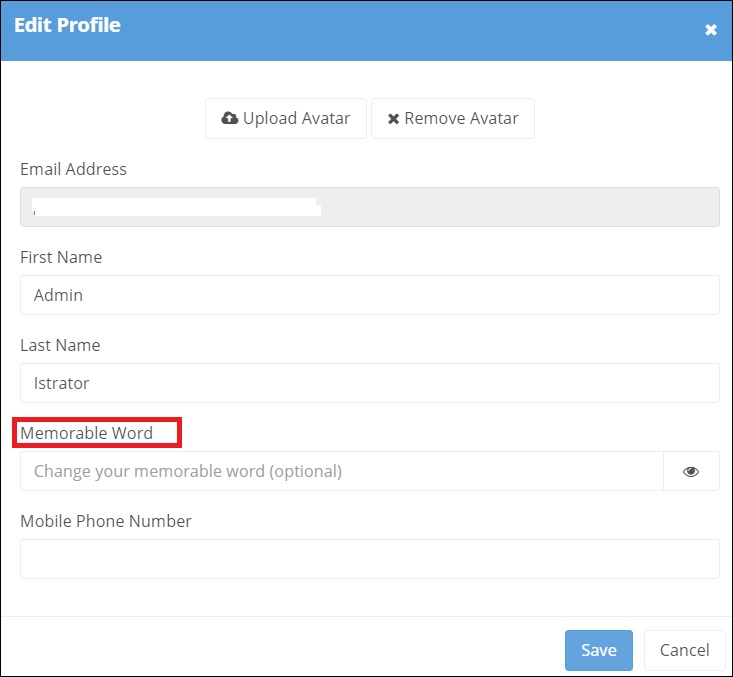
When creating a new user in Papercloud the Memorable Word login setting within "System Settings" requires the user to create their own memorable word from which random characters are then required on future login.
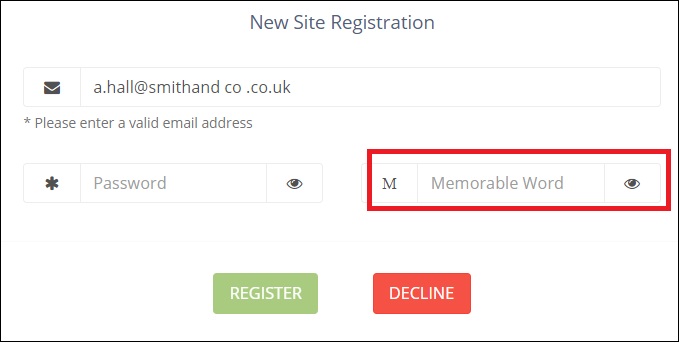
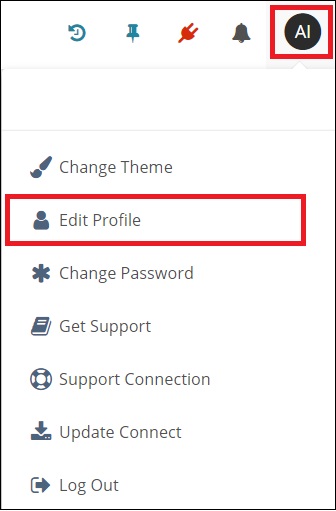
For an existing user the "Memorable Word" is set within "Edit Profile"