Menu
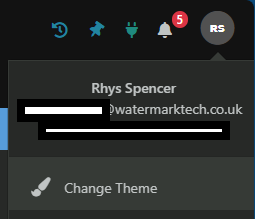
To switch between light mode and dark mode within Papercloud, select your profile icon in the top right corner of the page.
Here, in the dropdown, select "Change Theme". This is where you can choose between light and dark mode.
In this selection pane, you will be able to choose between "Default Mode" and "Dark Mode". Select your desired option, then "Save".
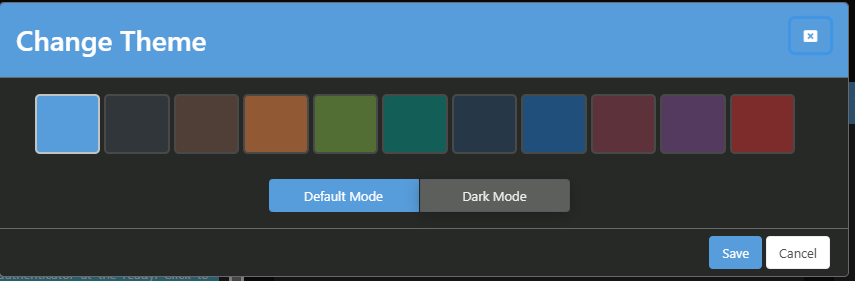
Your selected choice will now be applied.