Menu
These are the steps to adding a new user to your Papercloud site.
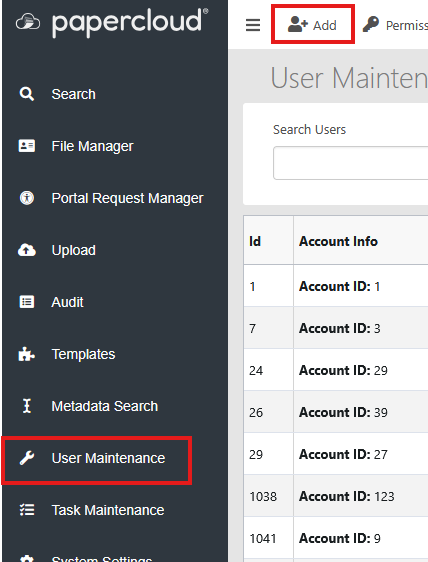
Go to User Maintenance - Add.
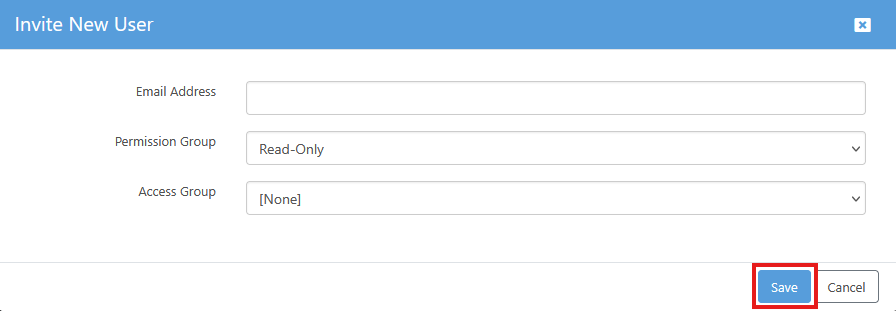
Complete the user's email address, the appropriate Permission and Access Groups, and click Save.
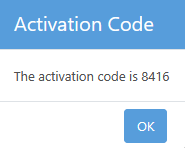
The user is then shown in the Users details list with an Activation Code number. This code is required by the user in order to complete their sign on process.

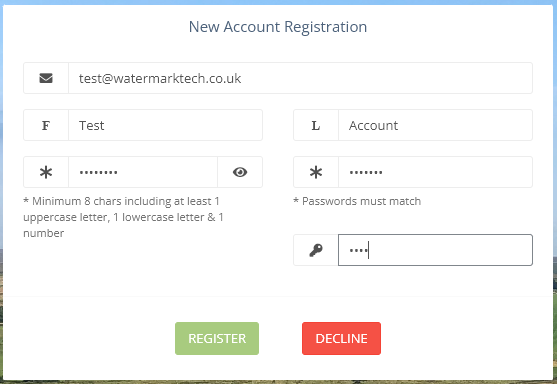
Following the account creation in User Maintenance, the new user will receive a registration email.
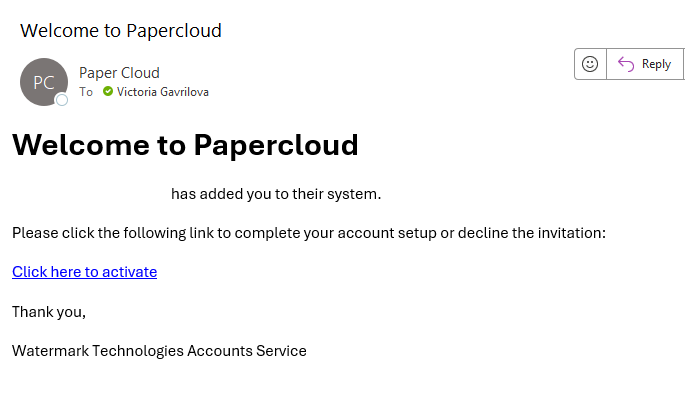
The link takes them to the New Account Registration screen for completing. This is where the activation code is required.
The user will populate the firstname, surname, password, and activation code, then press 'Register'.
Following this, the user will now have access to Papercloud.