Menu
Note: This is not available on Windows 11.
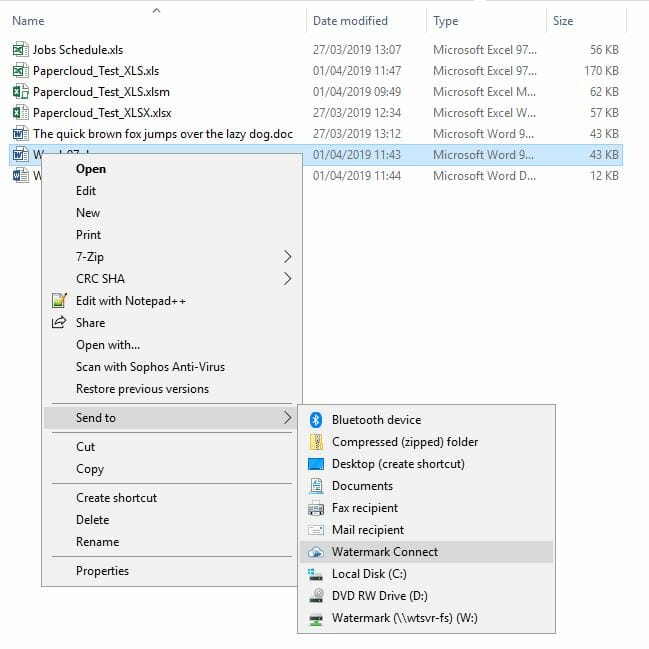
If when you right-click on a document in Windows the 'Send to' -> 'Watermark Connect' is missing, you can add it manually.

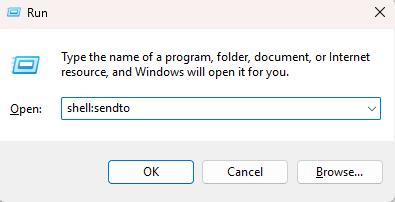
Using the Windows 'Run' command for your version of windows, enter shell:sendto. This will open the folder containing your 'Send to' options.
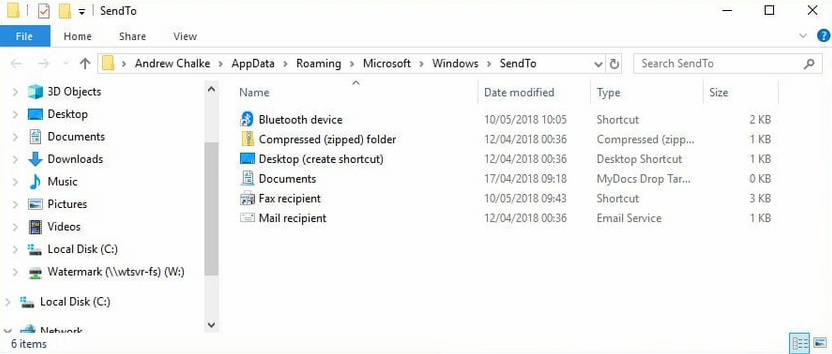
Right-Click in the blank area of the right hand panel and choose : New > Shortcut. In the box enter the following:
"C:\Program Files\WatermarkTech\WatermarkConnect\Watermark.Connect.exe" -sendto
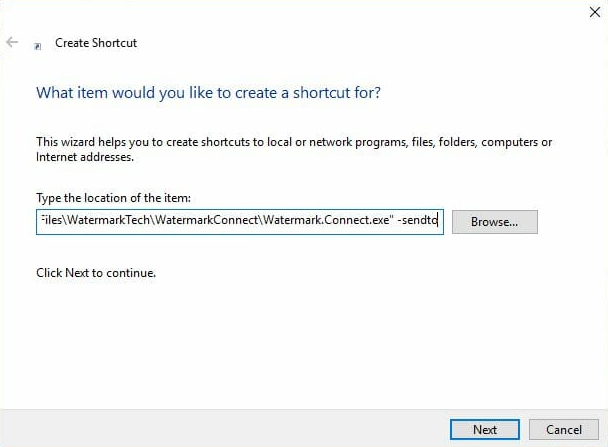
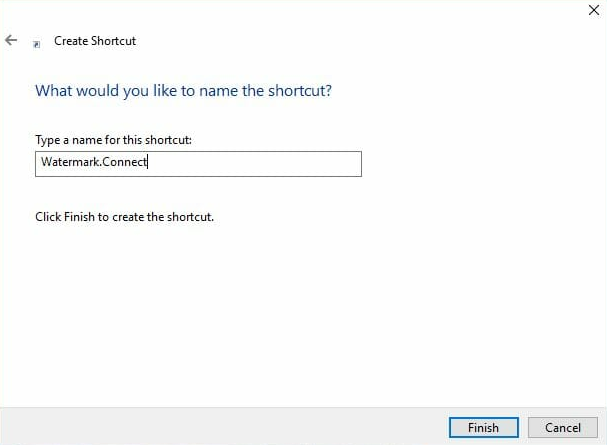
Then click 'Next'. You can change the name or leave it as 'Watermark Connect'.
The 'Send to' -> 'Watermark Connect' will now be available when you right click on a document.